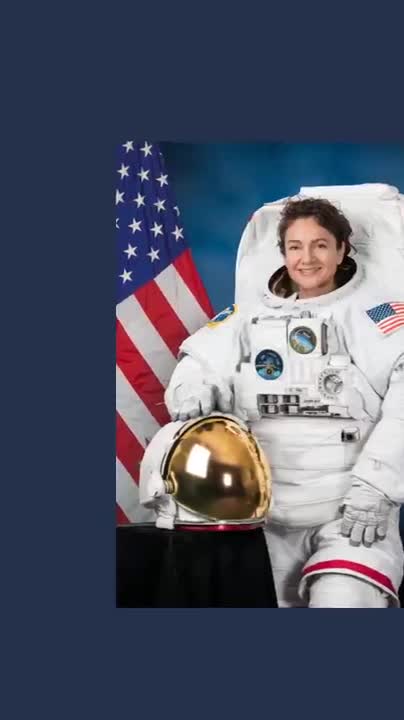
Up to 60 seconds free, five minutes after you pay. Your clip stays on this device.
Your landscape clip, vertical. The speaker stays in frame. Nothing leaves your phone.
For podcast clips, talks, Zoom and webcam recordings you post as Reels, TikToks and Shorts. It all happens right here in your browser. No upload, no account.
Free to use as much as you like, with a small smaverk.com mark in the corner, for clips up to 60 seconds. Pay once: no mark and clips up to five minutes, on up to three of your devices.
Paid version on this device
Your key is saved in this browser. Clips up to five minutes, no mark. For another device, use the key from the email Polar sent you. Remove the key from this device
What happens after you pay
- You pay on Polar's secure page with a card, Apple Pay or Google Pay. Taxes are included in the price and you get a proper receipt.
- A key arrives by email within a minute. Paste it once below. It stays on this device.
- Clips up to five minutes work right after you pay. Everything else works today too.
- Refund any time in the first 14 days, no questions asked.
Already paid? Paste your key here.
What it does, and what it does not do yet
- It finds the largest face a few times a second and moves a 9:16 window to keep it in frame, with calm pans. With two people it follows the larger face; you can hold the window still and drag it yourself.
- The picture keeps the source's full height, so a 1080p landscape clip becomes 608 × 1080. It does not enlarge.
- It does not cut silences or add captions yet. For captions, open the saved clip in Captions.
- Clips already vertical or square are saved as they are.
Make a video vertical: 16:9 to 9:16
A podcast recording, a talk, a Zoom call or a webcam clip is 16:9. Reels, TikTok and Shorts want 9:16. Cropping by hand means keyframes in an editor; the usual apps upload your file and meter it. Vertical picks the 9:16 window for you, follows the speaker, and saves the file here on your device.
Auto reframe, in plain words: the face is found a few times a second, the window moves only when the face has really moved, never faster than the eye likes, and stays inside the picture. Two people talking: it follows the larger face; hold it still and drag when you want to choose.
Where your video goes
Nowhere. Everything runs inside this page. Your video never leaves your device and there is no account. Once the tracker has loaded you can turn off Wi-Fi and it still works.
hello@smaverk.comsmaverk.comPrivacyTermsFor automations and agents